how to set it up.
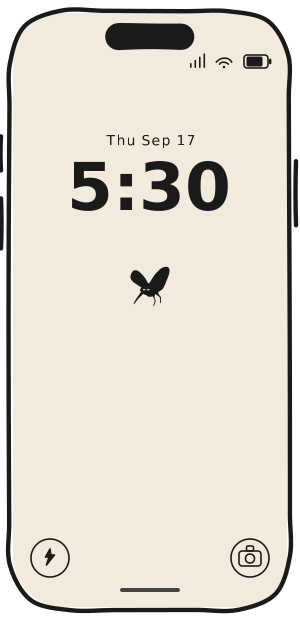
The best experience comes from easily triggering the app from a lock screen, either its phone or watch, so you remember to notice it.
01
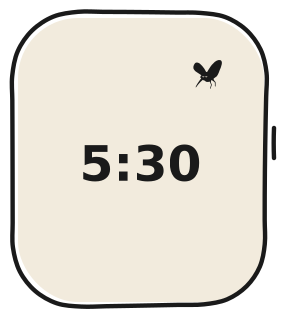
watch complication Best
- Press and hold your watch face
- Tap edit
- Swipe to complications
- Tap a slot and choose mosquito
- It will sync to your phone
02
phone screen widget
- Touch and hold your lock screen
- Tap customise, then lock screen
- Tap the widget row
- Choose mosquito
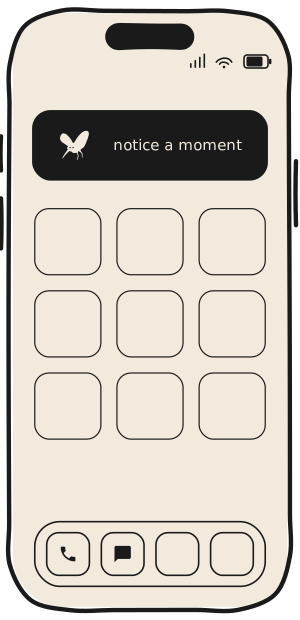
Add it to the lock screen for the fastest reach, or the home screen if you'd rather keep it a level in.